
Commercial AV that still makes sense on Monday morning.
For offices, classrooms and shared spaces where the system needs to be tidy, reliable and simple enough that staff actually use it instead of avoiding it.
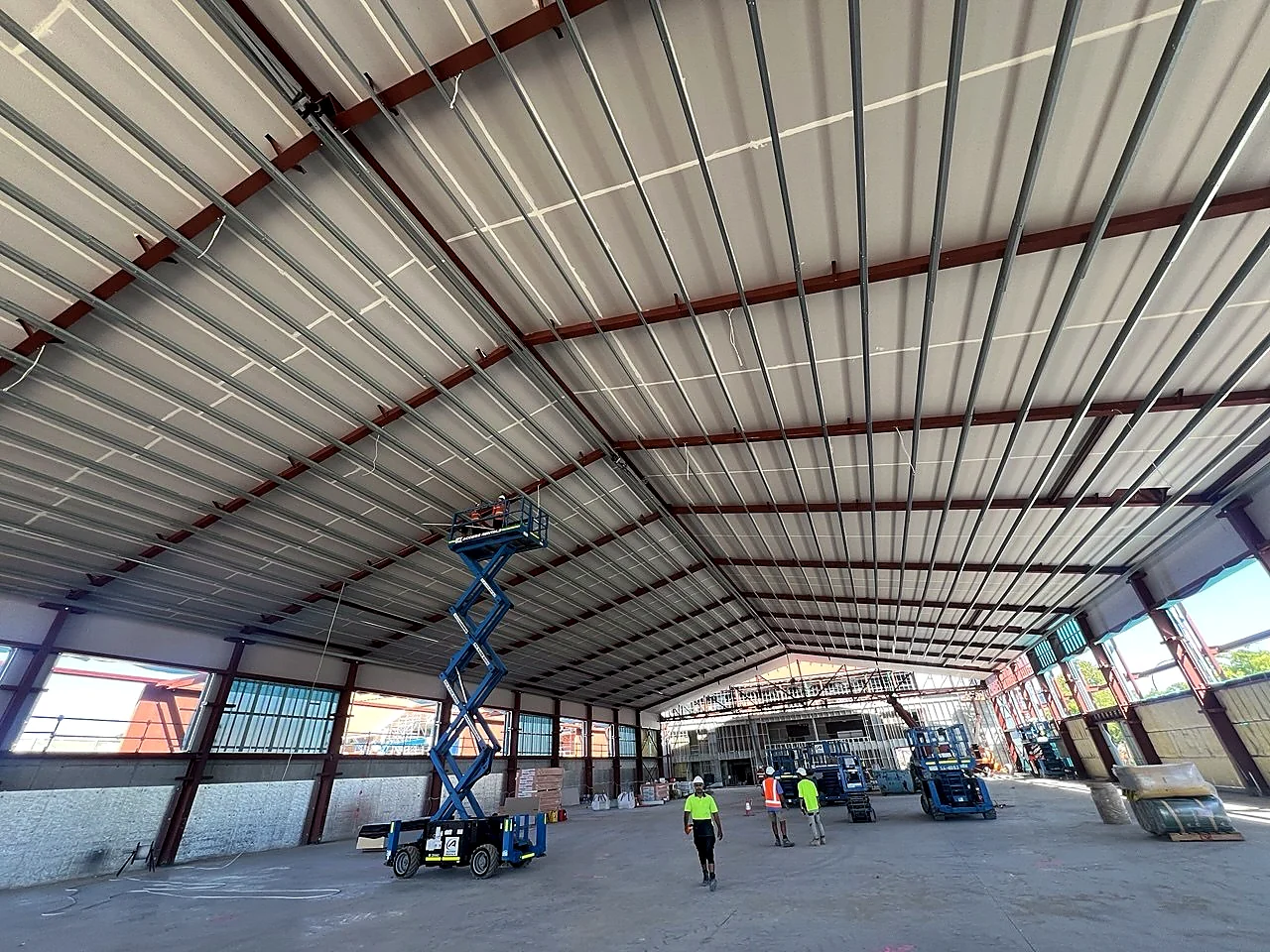
From overhead install work through to classrooms, displays and meeting rooms, this side covers both the bigger jobs and the everyday office fit-outs.
Clean installs, realistic scope, useful handover.
Most office AV pain is not exotic. It is bad placement, messy signal paths, weak handover, or a room nobody trusts. Fix that and the room usually gets a lot calmer.
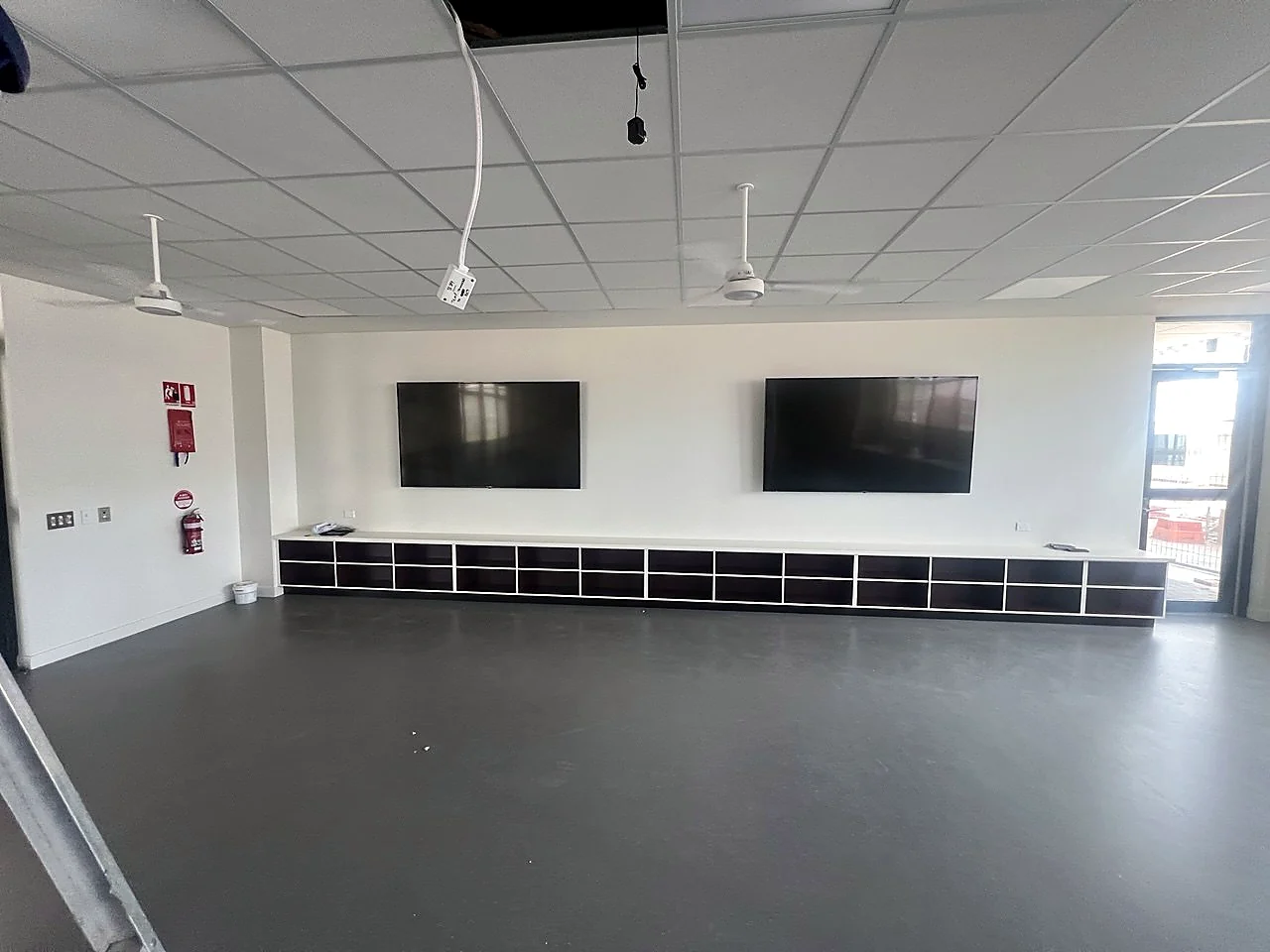
Common commercial jobs
- Meeting rooms and Teams rooms
- Projectors, screens and displays
- Cameras, microphones and room audio
- Classroom and training-room AV
- Fixes, upgrades and tidy reworks
What clients usually want
- Fewer support calls
- Cleaner cable paths and mounting
- Simple startup for staff
- Practical advice before spending big
- One point of contact for the job
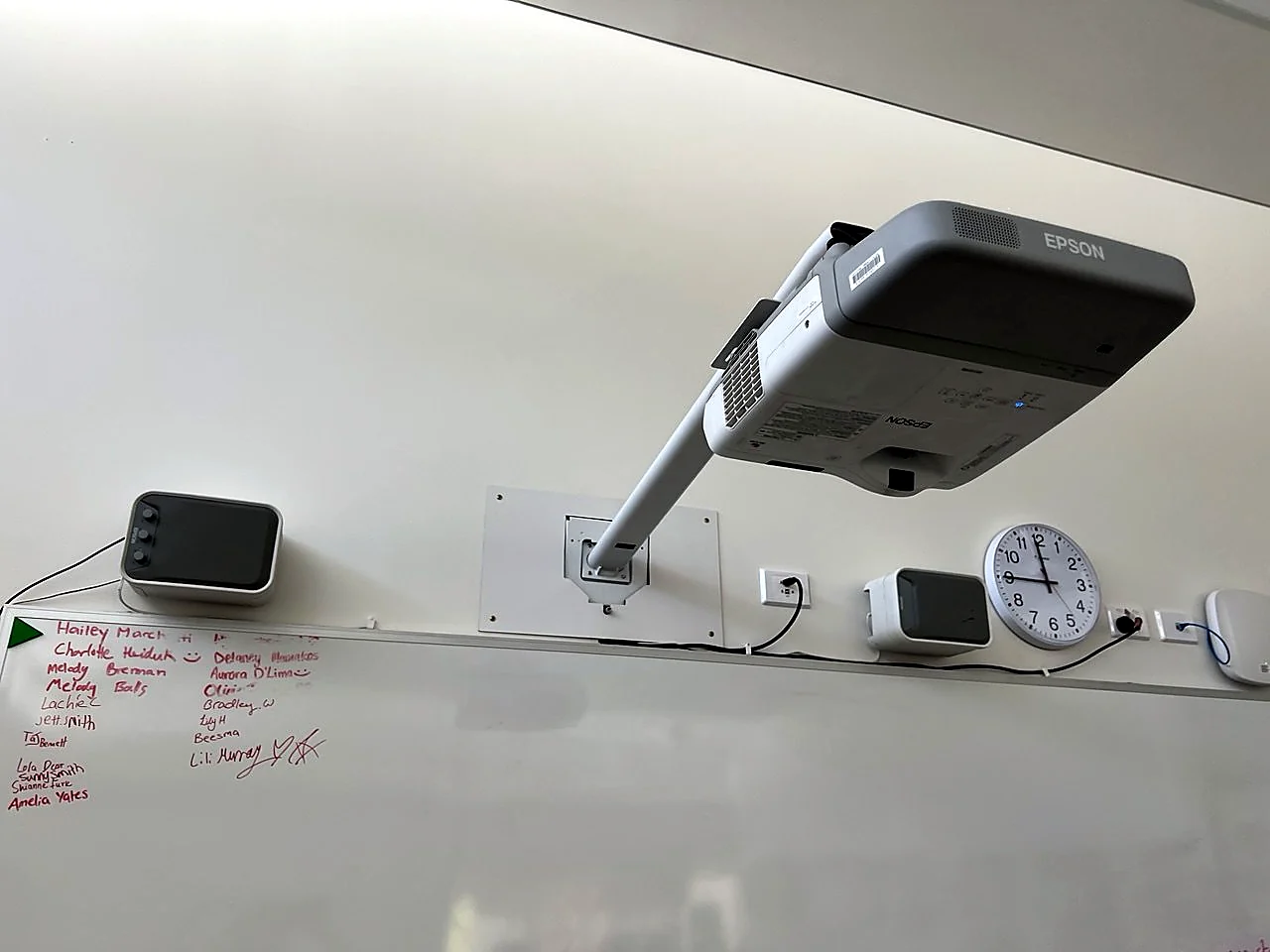
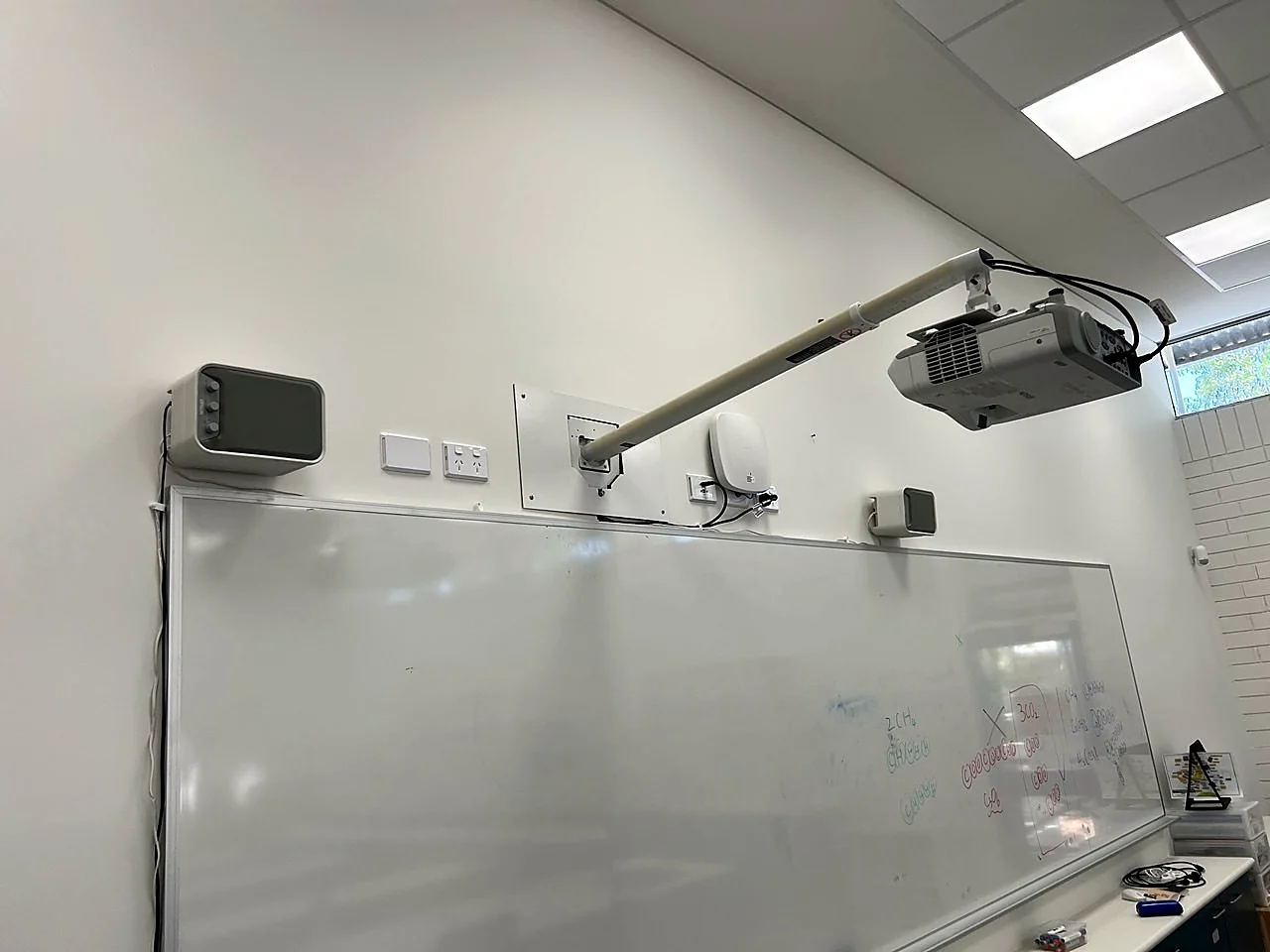
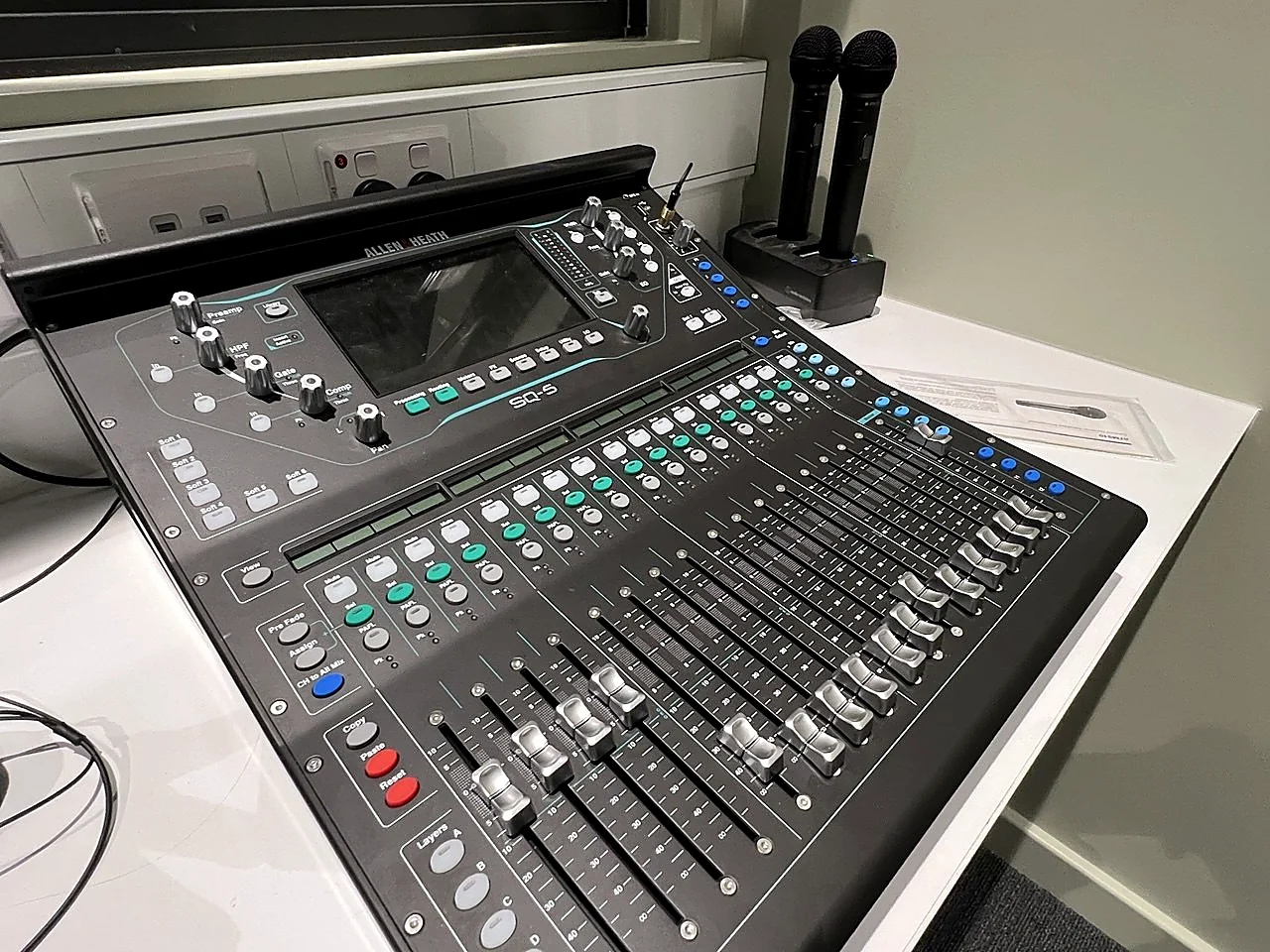
Real rooms, real install context.
A few more real project shots, so this page is showing the work instead of just talking about it.
Need the full meeting-room breakdown?
The meeting room page goes deeper on Teams rooms, displays, cameras, microphones and office AV servicing.
Open meeting room page →Shared rooms usually benefit from QR docs.
If different staff keep using the same room, hidden QR pages and short training clips can cut repeated confusion without dumping a giant manual on anyone.
Open QR Solutions page →